Website examples
Real Estate Website Examples
Real estate website examples from two sites built with HouseListr, Wynthorne Real Estate and Lavish Realty. Both are our demo sites, live for you to open: Wynthorne Real Estate and Lavish Realty. Below, section by section, is what each design does and the name of its layout, so you can point at the one you want for your own site.
Book a demoWhat Makes a Real Estate Website Work
Photos First
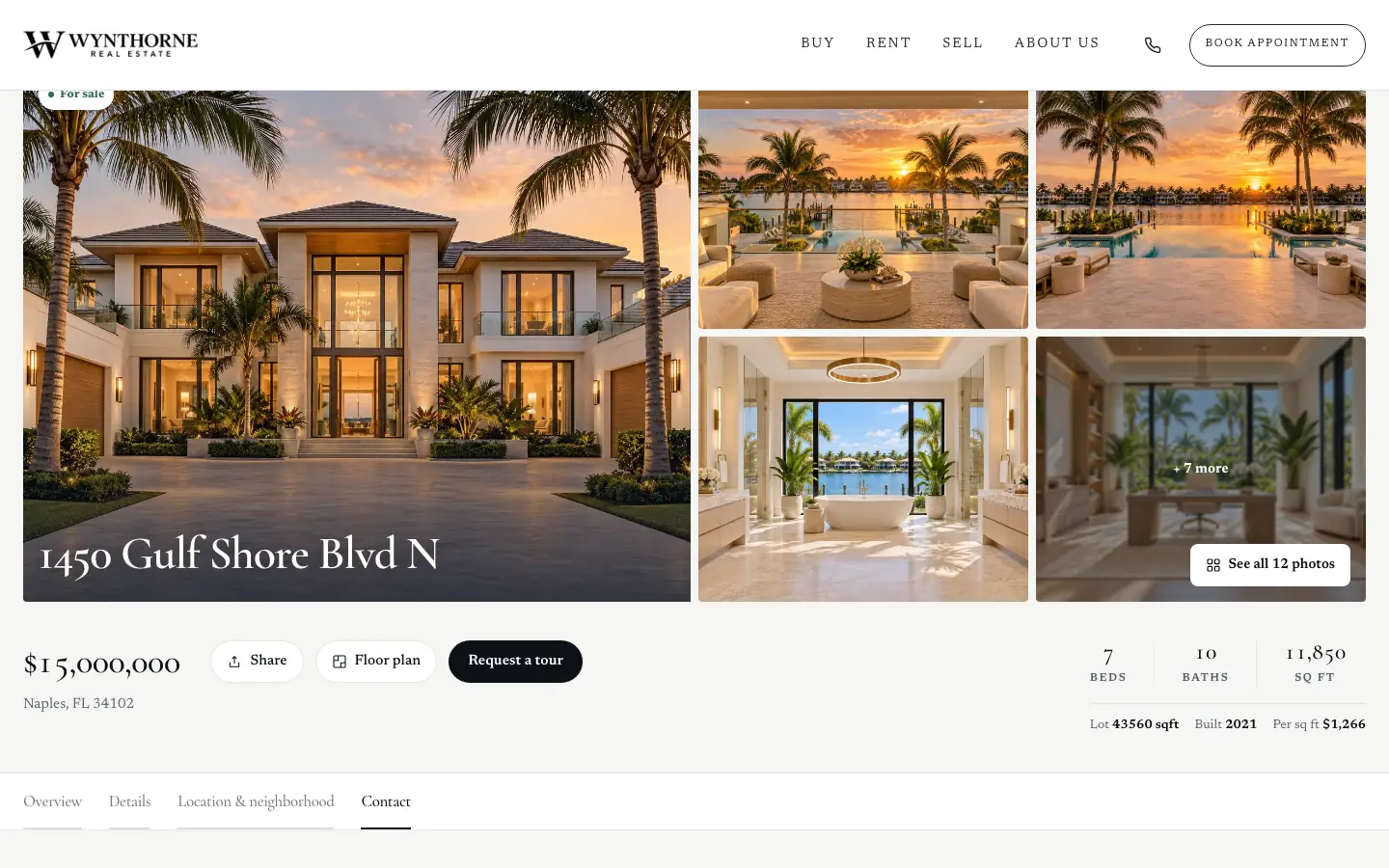
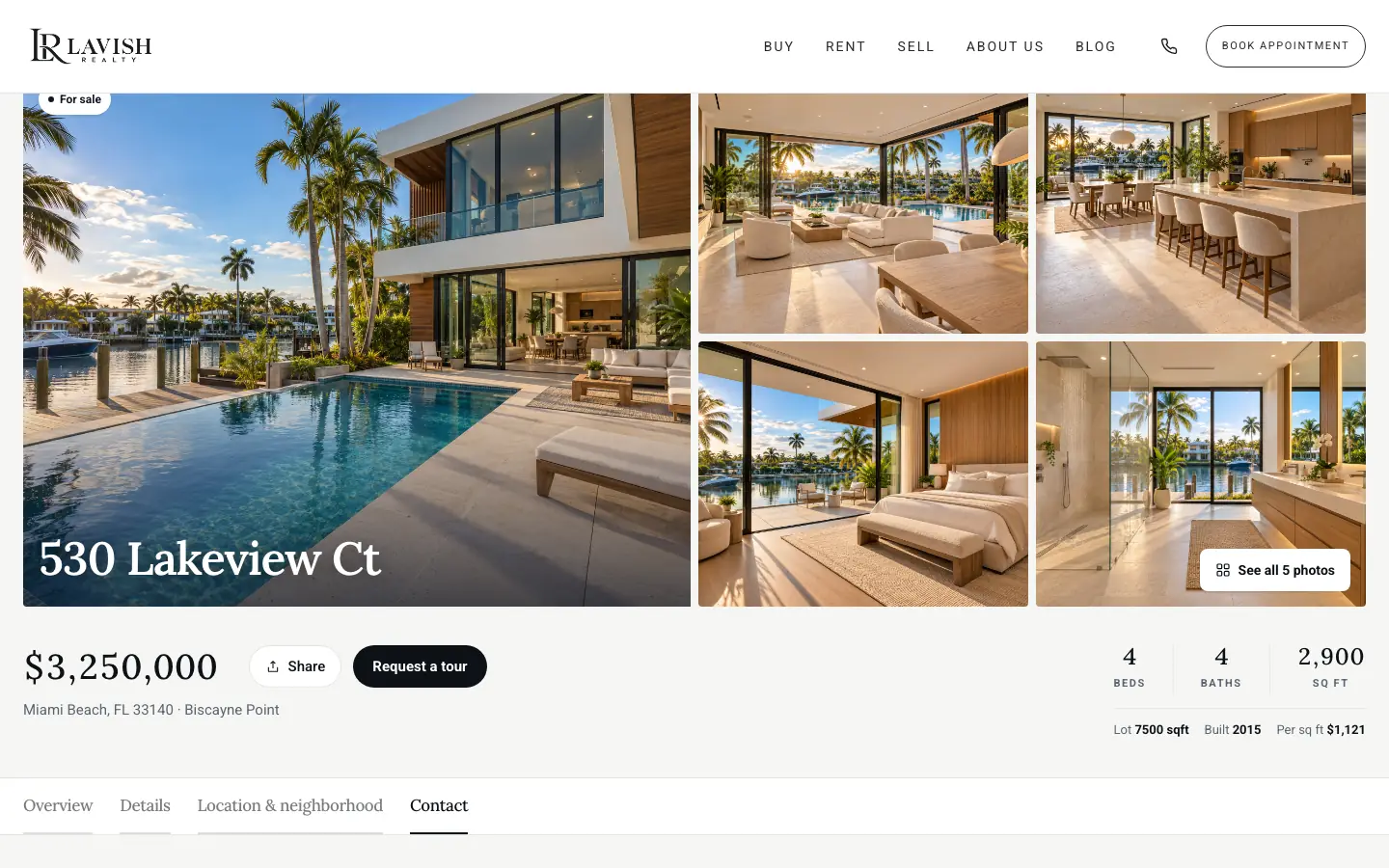
Every listing page opens with one large photo and four more beside it, and a See all photos button.
Built for Phones
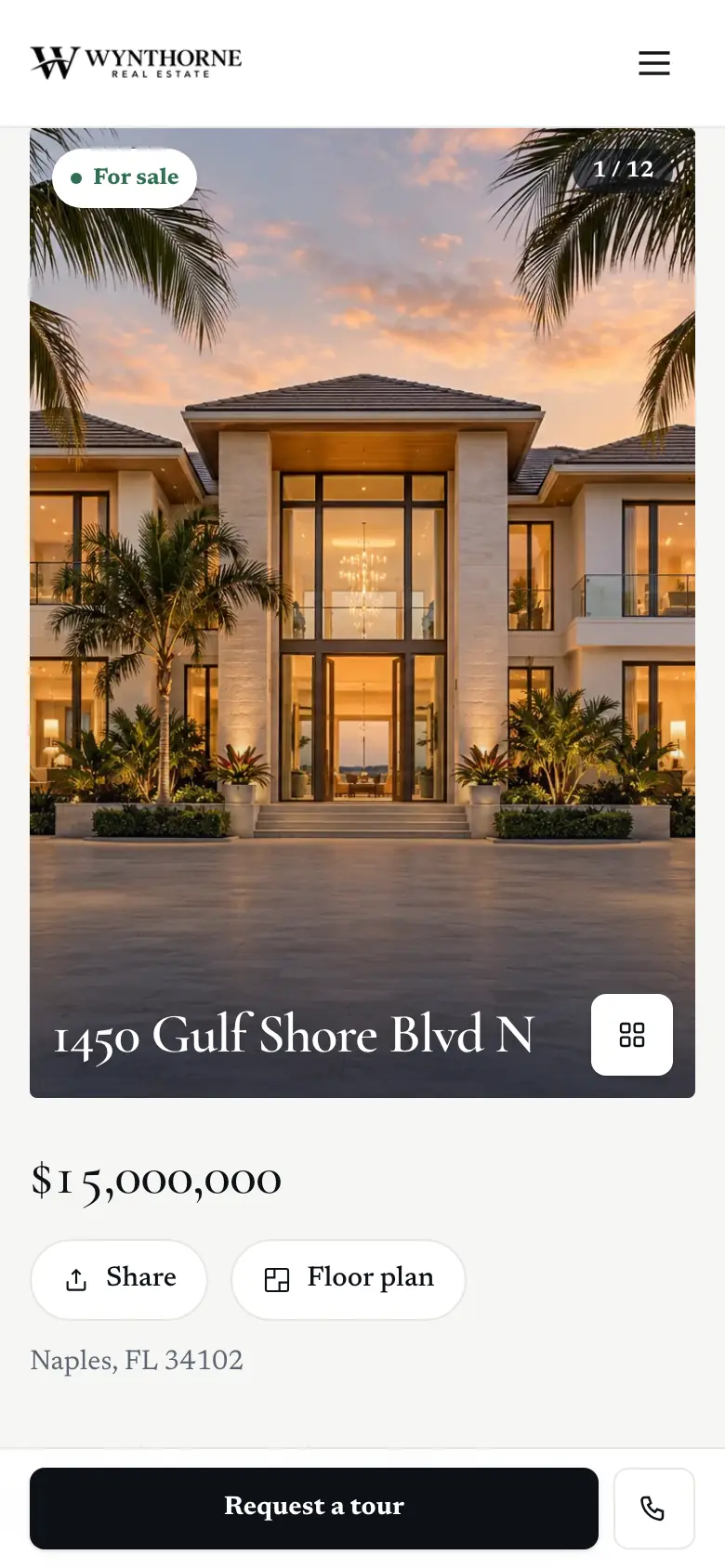
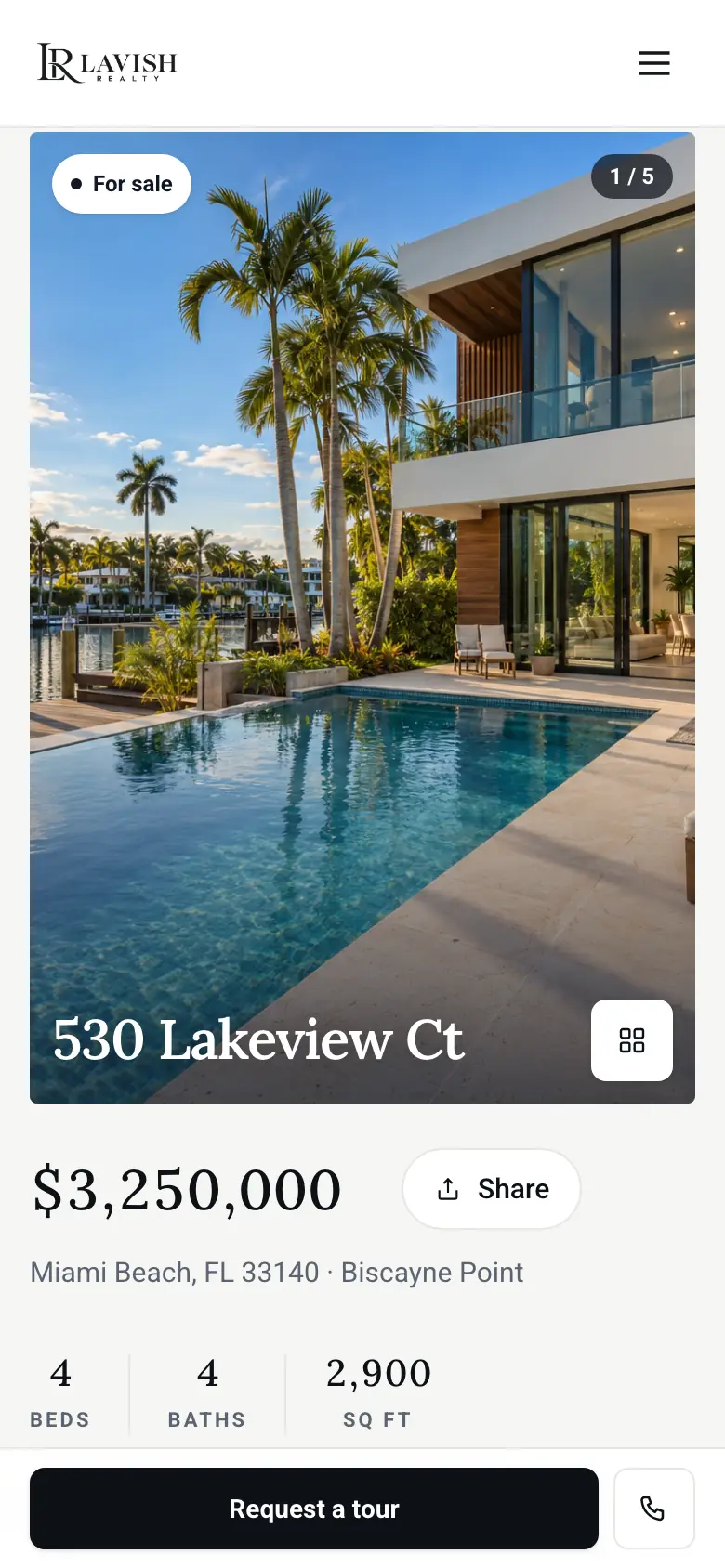
On a phone, photos show one at a time with a counter, and Request a tour and a call button stay at the bottom of the screen.
The Agent One Click Away
Book appointment sits in the navigation bar, Request a tour on every listing, and a call button on every phone screen.
Real Estate Website Design, Section by Section
Homepage Design: The First Screen
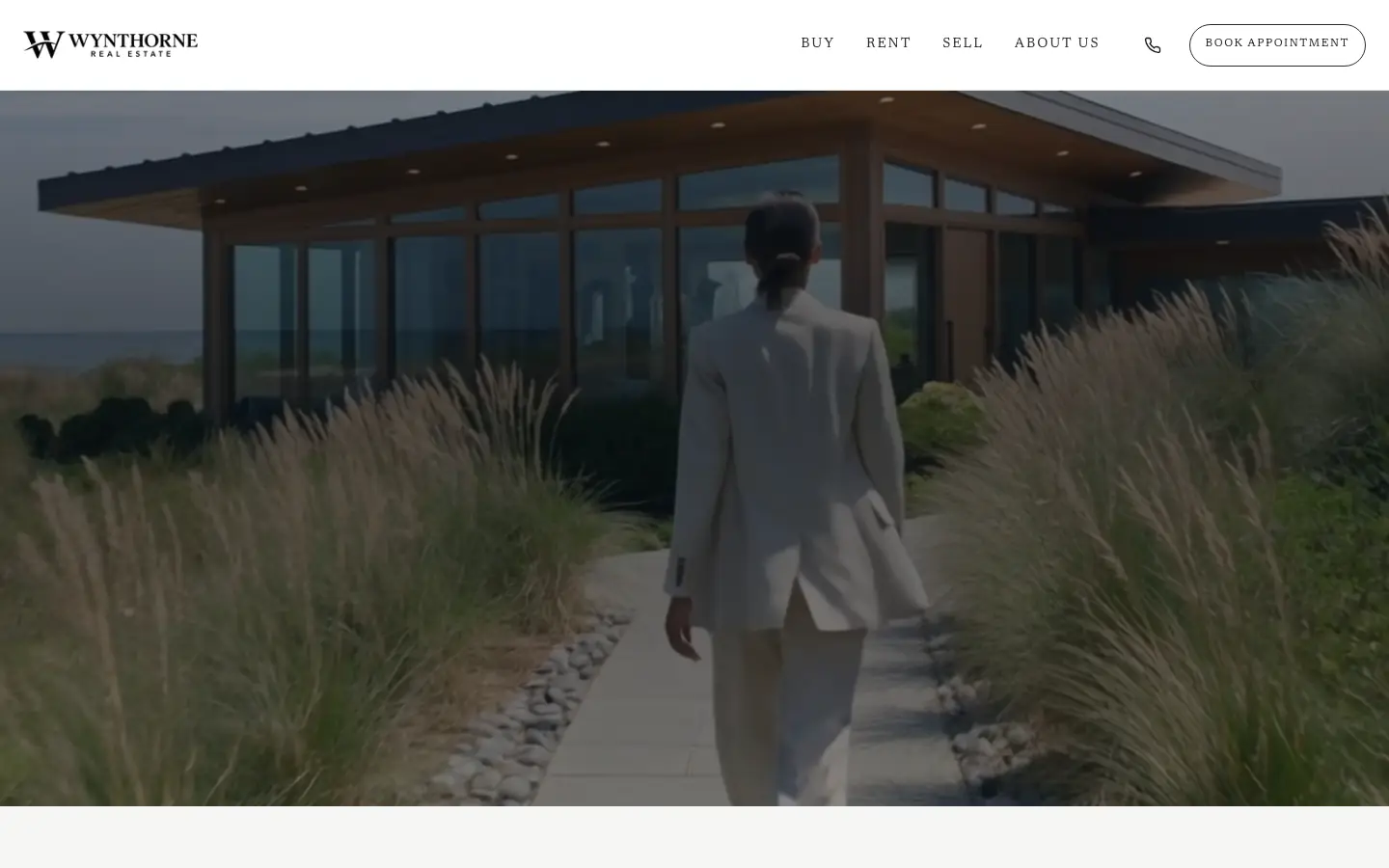
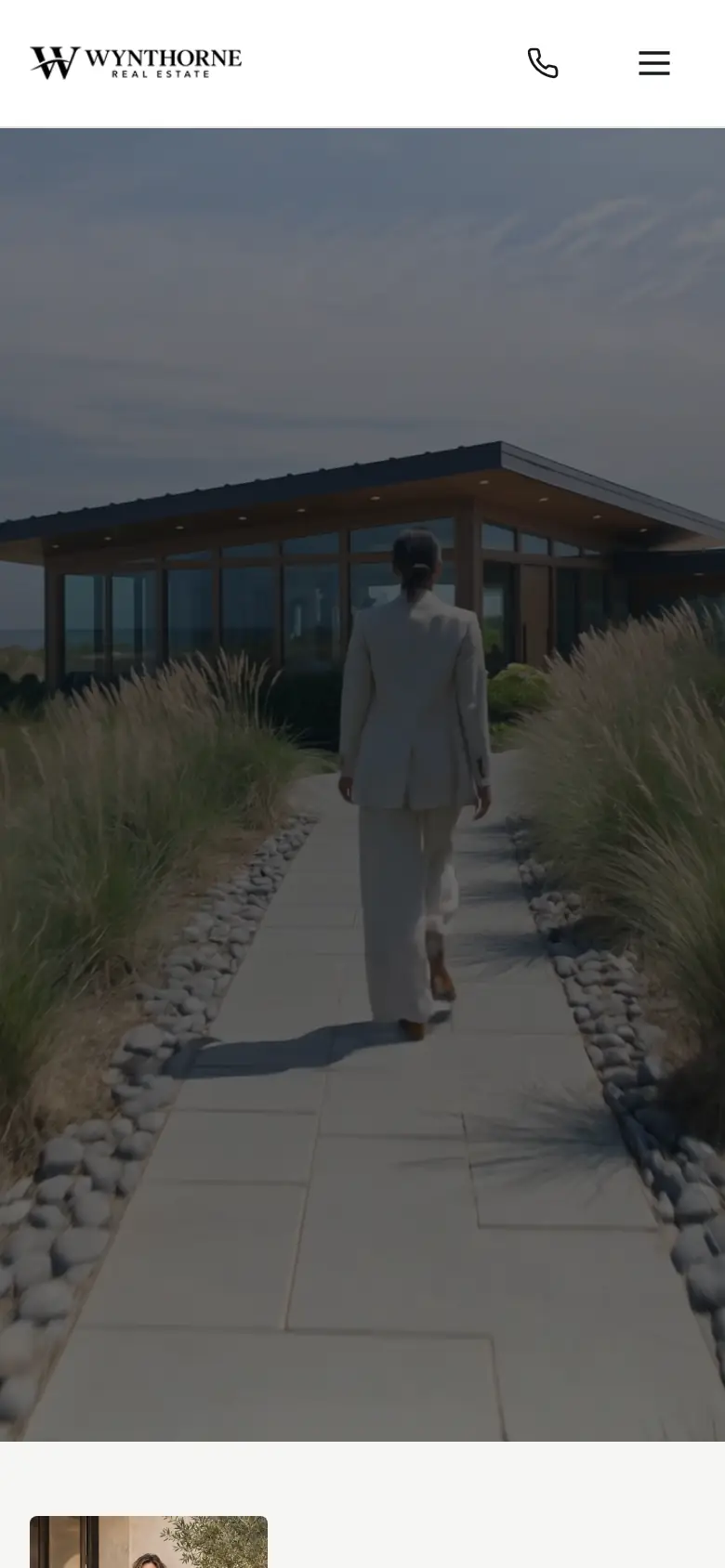
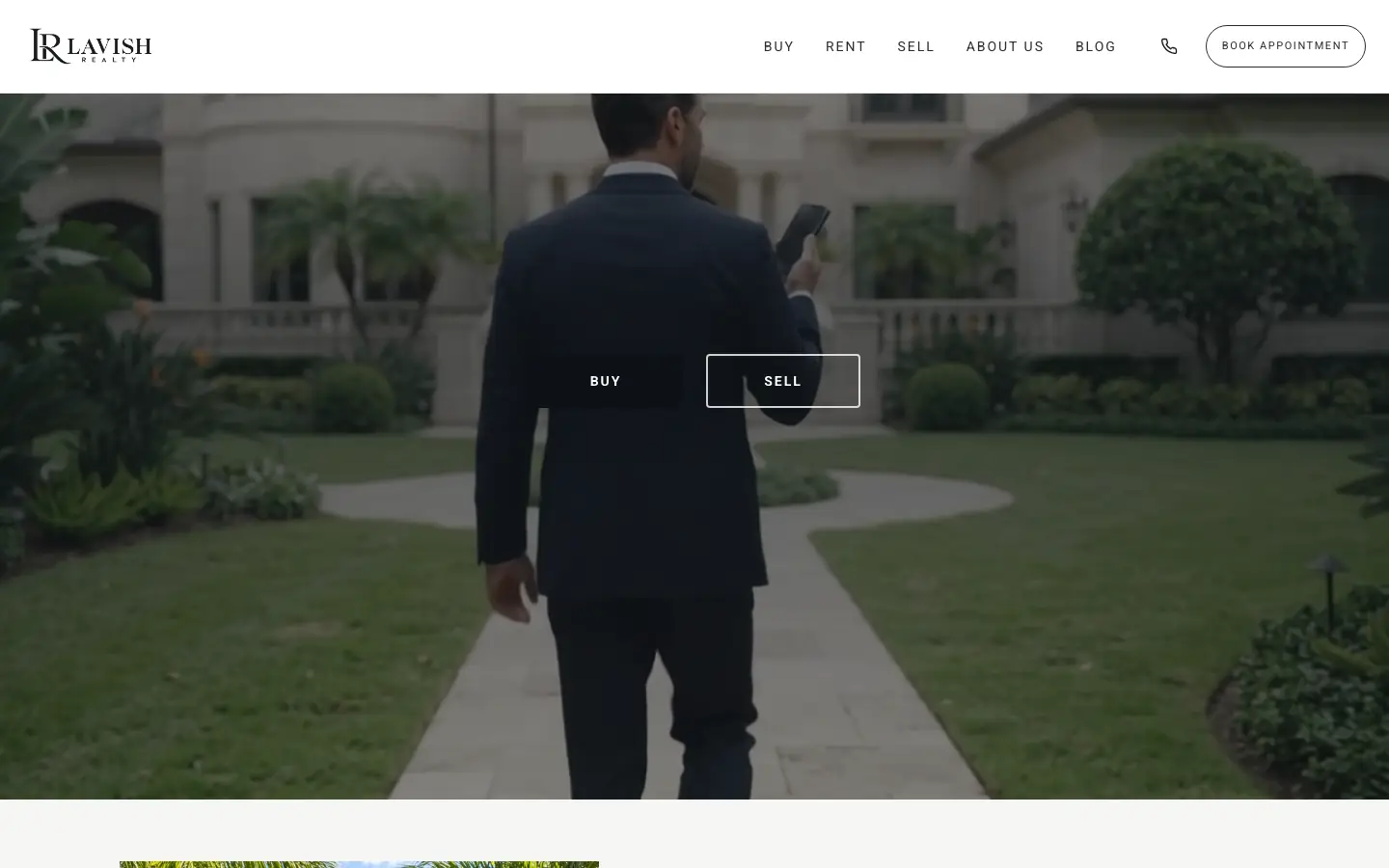
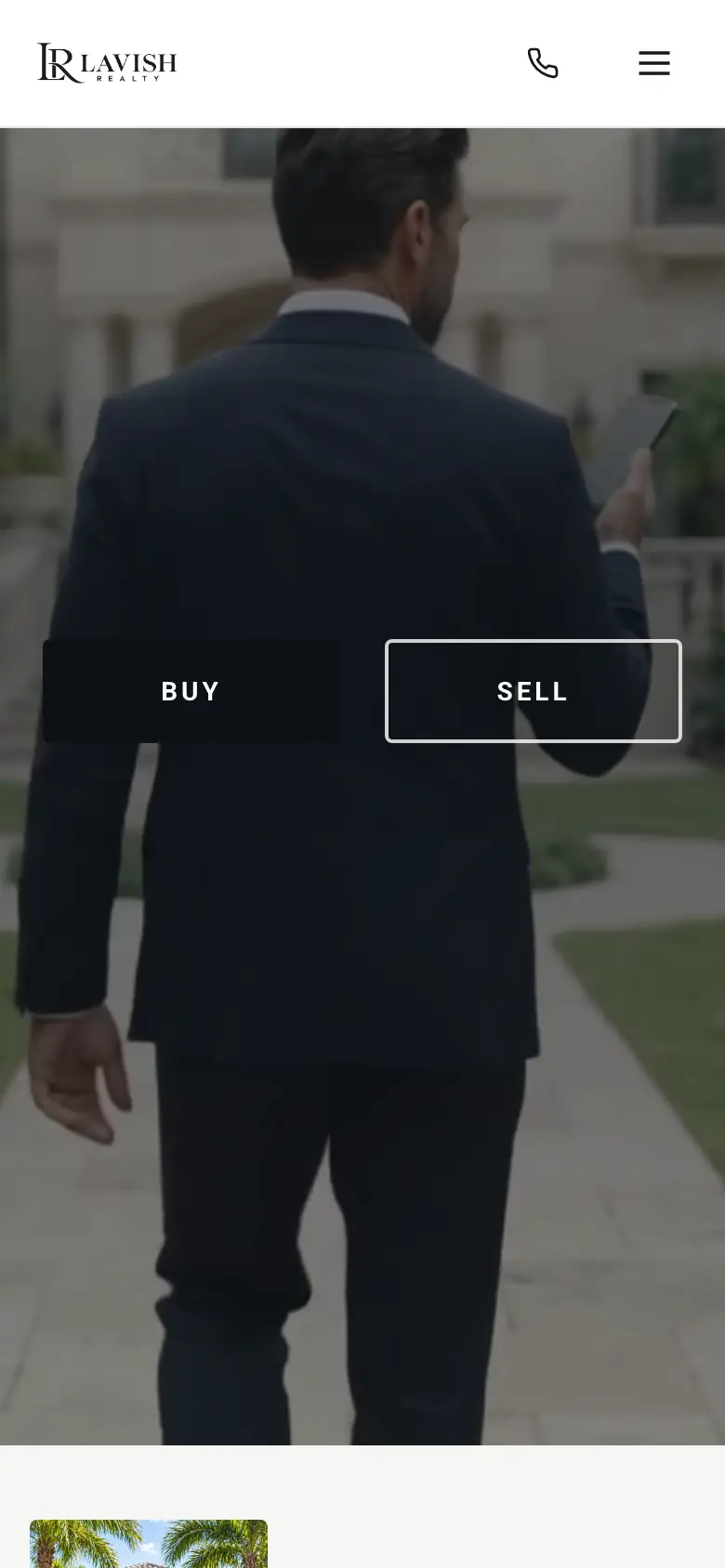
Both homepages open on a full-screen video under the navigation bar. What sits on the film is the difference: nothing at all, or a choice between buying and selling.
Listing Page Design
Every listing gets its own page. It opens with one large photo beside four smaller ones, then the price, beds, baths and size, and a Request a tour button. Below sit the overview, details, location and neighborhood, and contact sections.
Listing Layouts: Stage and Grid
The Our listings section has eight layouts. These two sit at opposite ends: one listing at a time, or six at a glance.
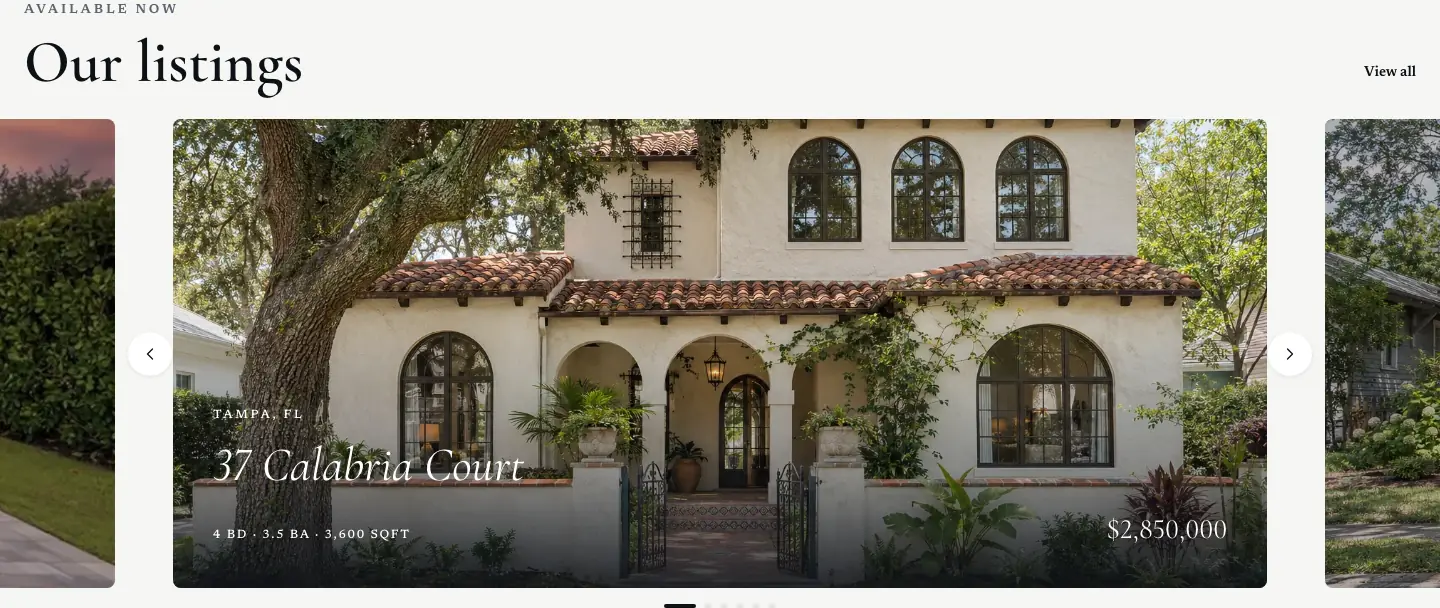
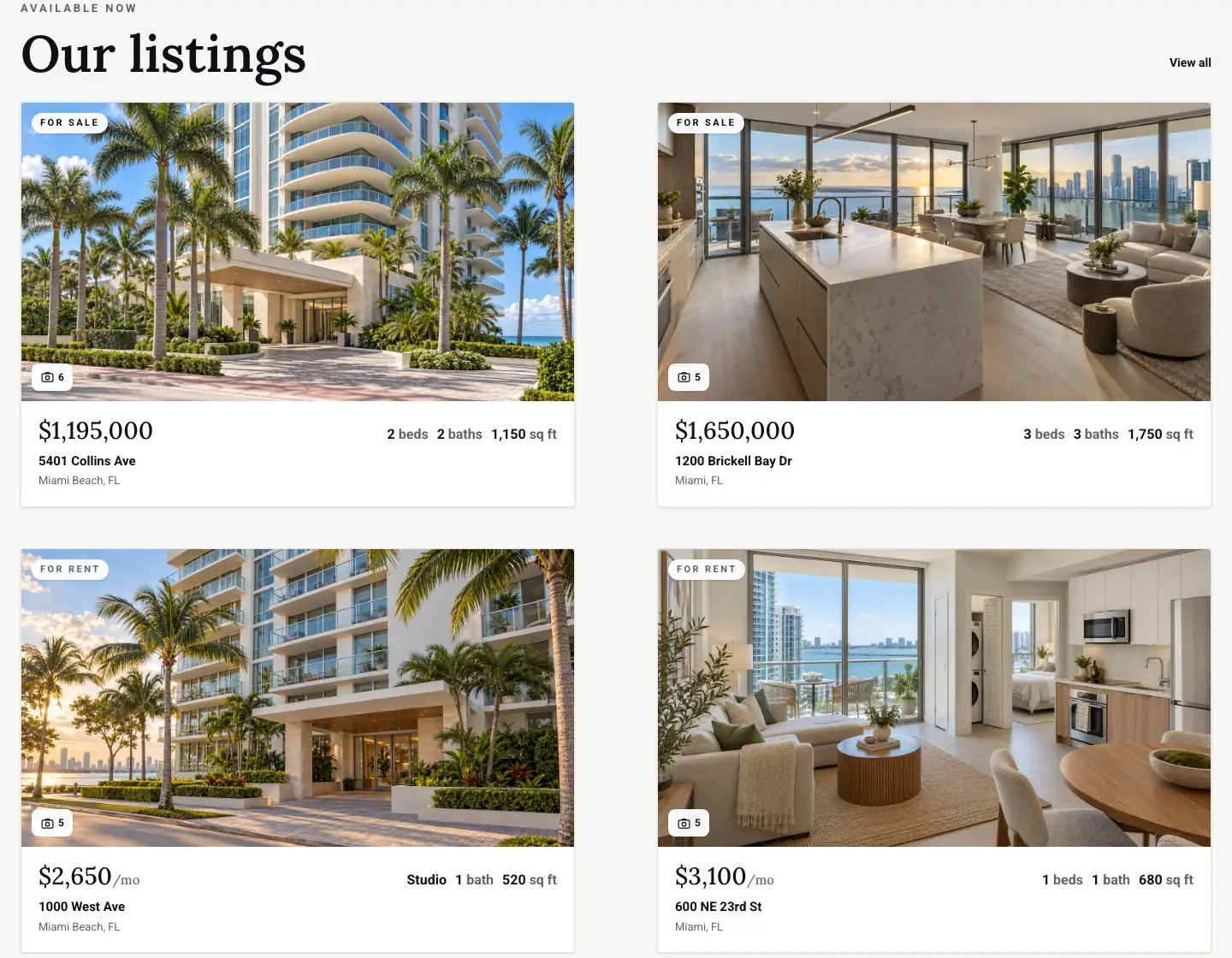
Featured Listing Layouts
Exclusive Listings is a separate section for the homes the agent wants seen first.
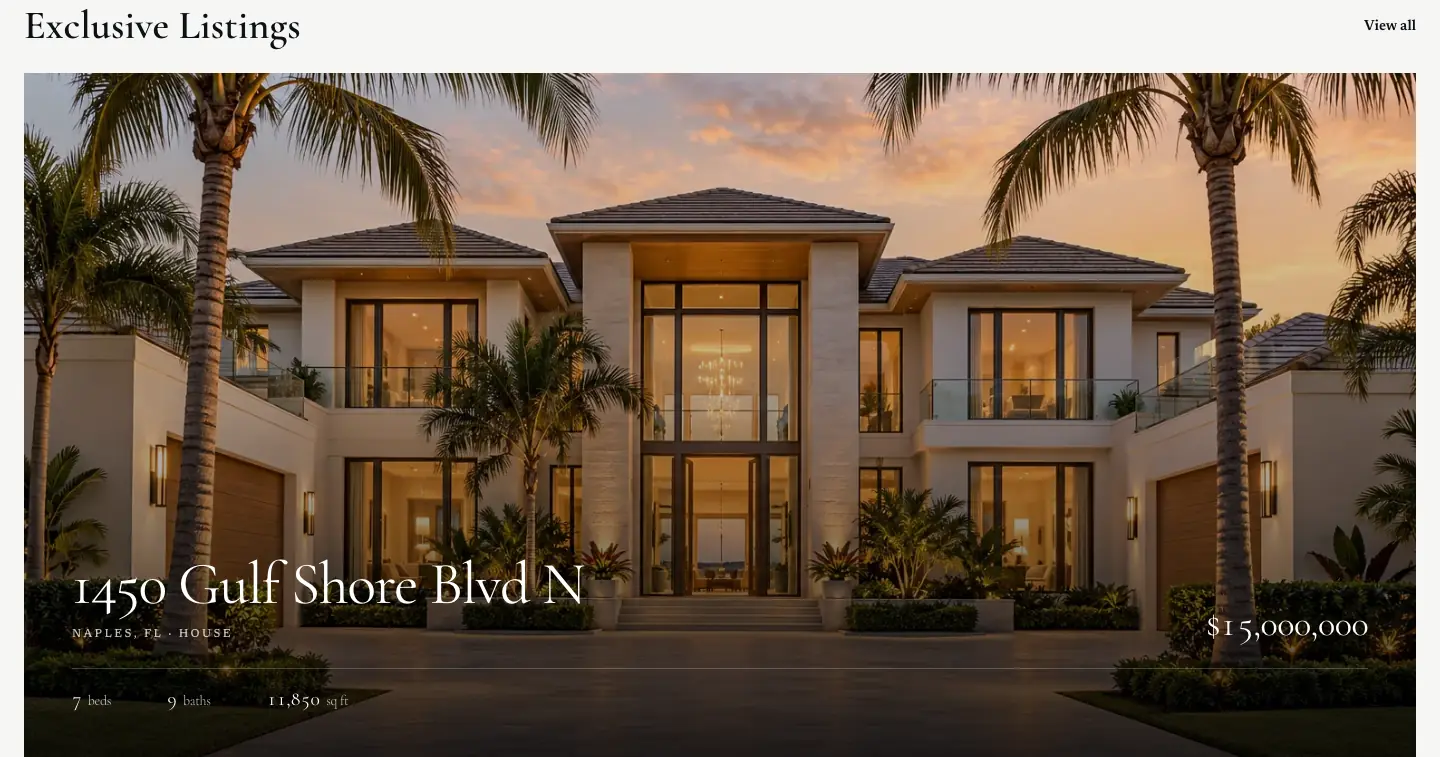
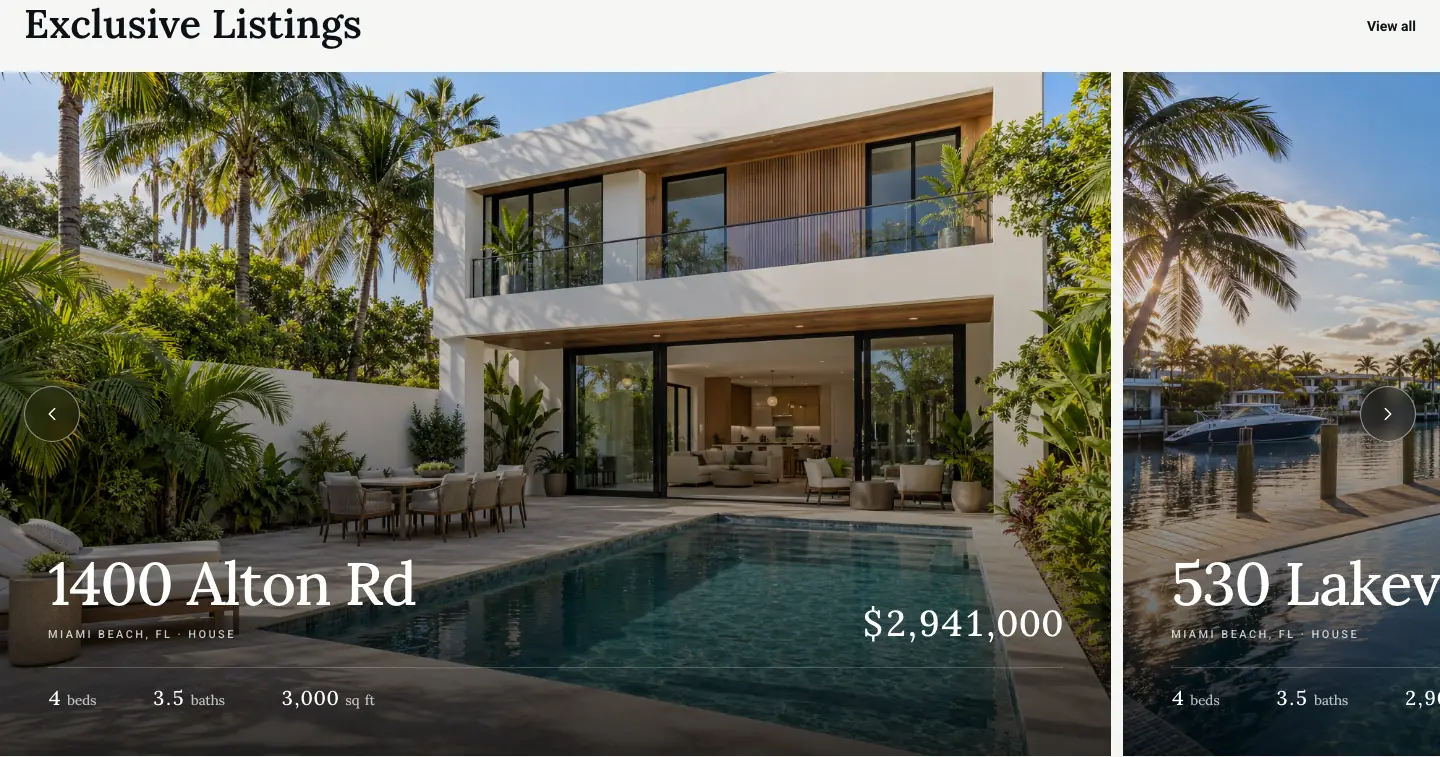
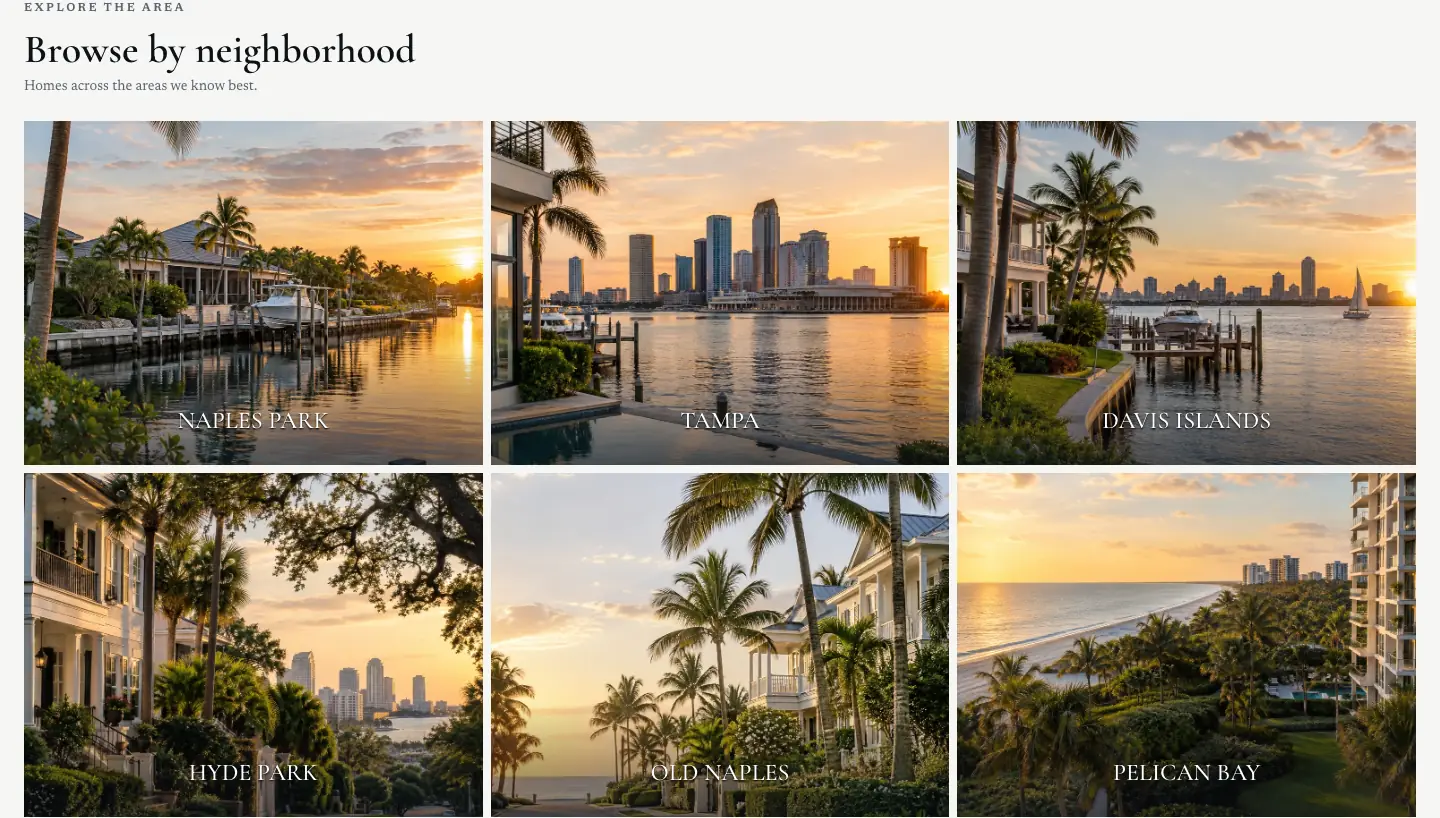
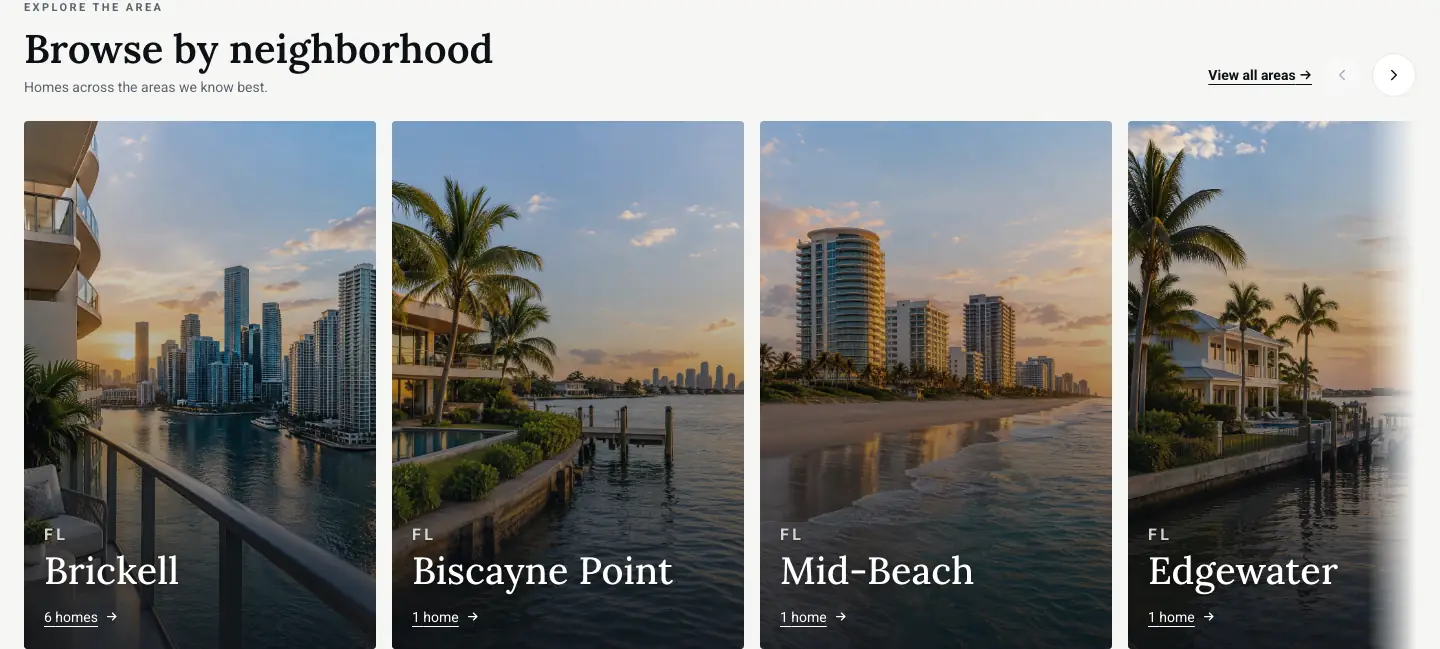
Neighborhood Sections: Tiles and Carousel
Browse by neighborhood has seven layouts. Every area with homes for sale or rent opens a search of the listings in it.
Ways for Buyers and Sellers to Reach the Agent
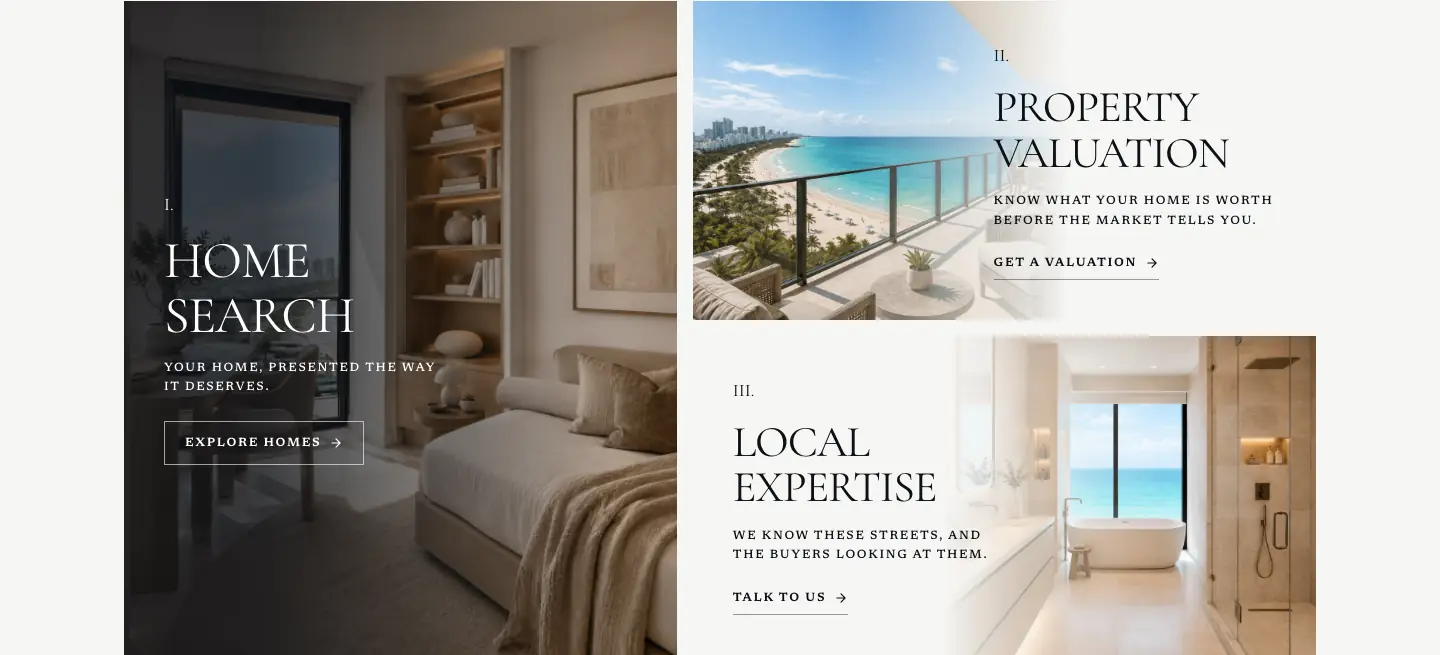
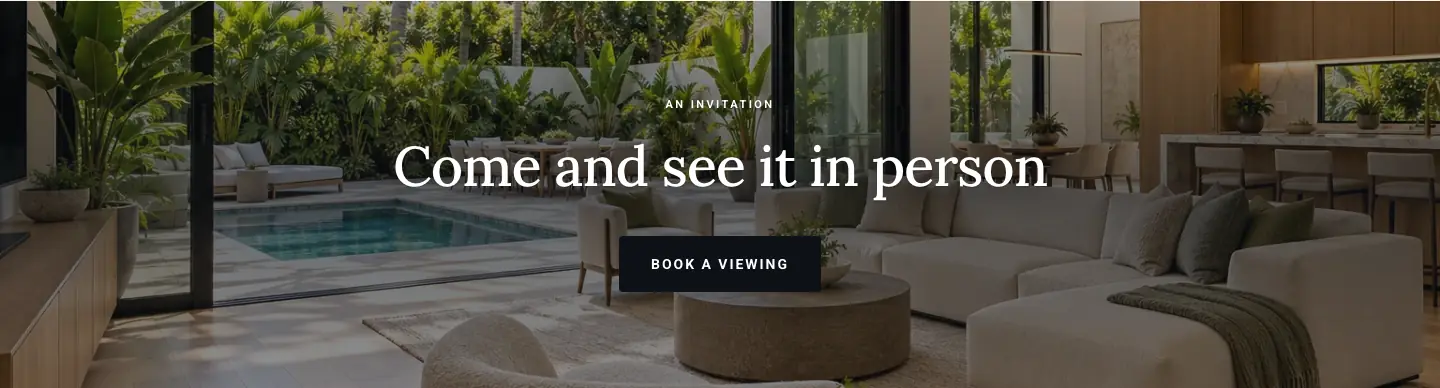
Beyond the Book appointment button in the bar and Request a tour on every listing, the homepage has its own ways in.

Real Estate Website Design Choices You Make
Hero, 7 layouts
Search, Statement, Full bleed, Animation, Split, Carousel or Editorial, on a video or photos.
Navigation, 3 layouts
The logo on the left, the logo in the center, or a quiet bar whose menu opens full screen.
Our listings, 8 layouts
Grid, Rows, Single, Plates, Masonry, Alternating, Stage or Mosaic.
Neighborhoods, 7 layouts
Carousel, Cinematic, Panels, Gallery, Guide, Tabs or Tiles.
Fonts and colors
Heading and body fonts, brand colors and your logo, carried across every page.
What Every HouseListr Website Includes
A page for every listing. Photos, details, features and what is nearby, with a share preview and search markup built from the listing.
Home search. Buyers filter by price, bedrooms, bathrooms, type and features, and can save a search to hear about new matches.
A sell page. A homeowner answers a few short questions and their valuation request comes to you.
A lead inbox. Every inquiry and viewing request in one place, with an email alert for each.
Straight Answers
- What makes a good real estate website design?
- Listings that open on large photos, a clear way in for buyers and for sellers on the first screens, and every page working on a phone with Request a tour always in reach. The examples above show each of these in two different looks: a solo realtor's site and a brokerage's.
- Can I change the layout after my site is live?
- Yes. In the dashboard you pick the layout of the hero, the navigation, Our listings and Browse by neighborhood, and set your fonts and colors, whenever you like.
- Do these websites work on phones?
- Yes. Each homepage and listing page above is shown at 390 pixels wide, the width of a common phone, next to the desktop view.
- Will my site look like these?
- Only if you want it to. Your site is designed around your brand, your market and your clients; these two show how far the same pages can go in different directions.
- What else does a HouseListr website include?
- An about page for you or your team, QR codes for every listing, and the tools behind the site. See real estate agent websites for everything a site includes.